
(English)
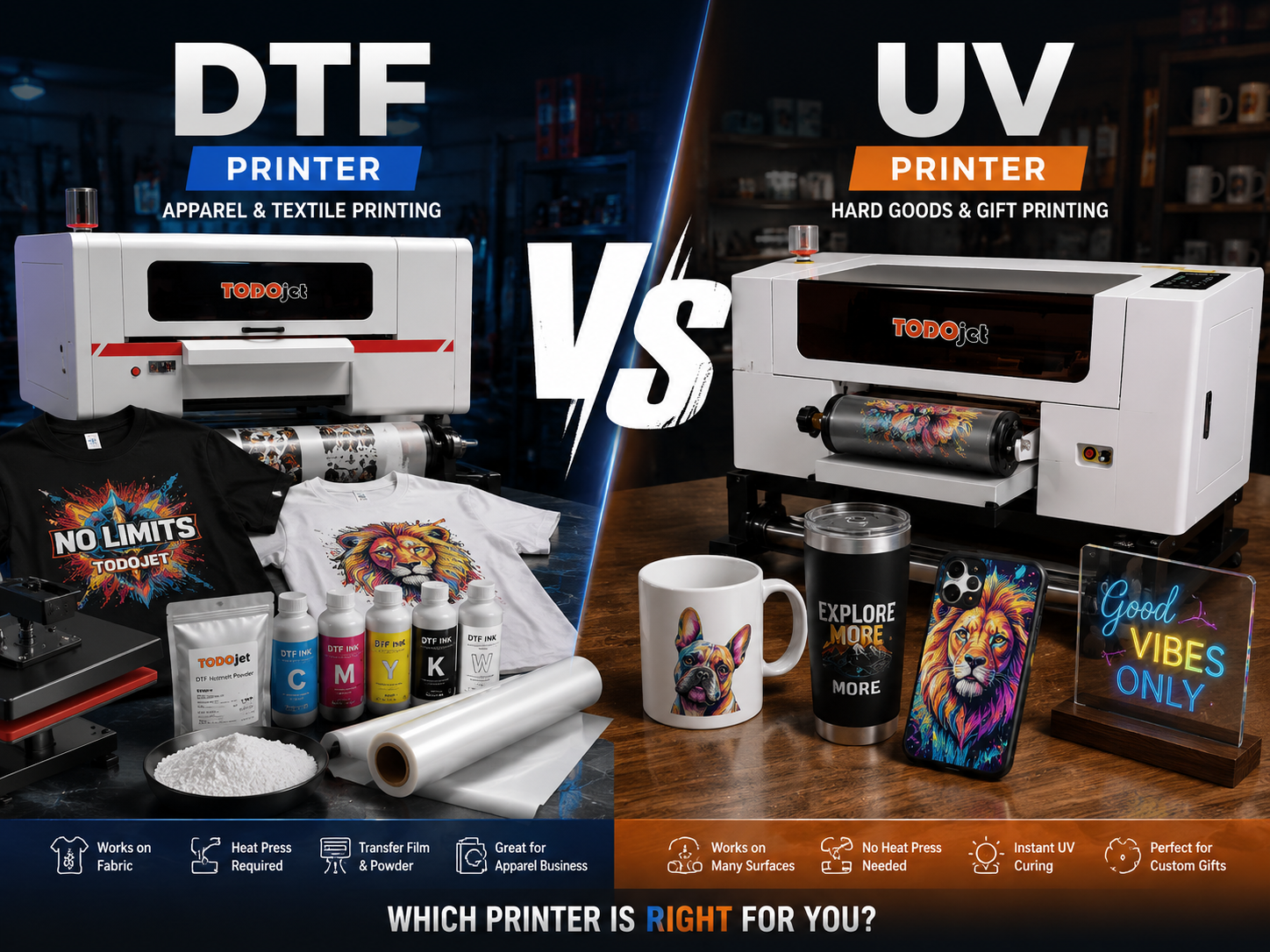
You've decided to get into custom printing. You've done some research, and now you're staring at two options that sound similar but work completely differently: a UV printer and a DTF printer.
Both produce full-color, high-quality custom prints. Both use digital inkjet technology. Both can be profitable for small businesses. But they serve very different markets, require different workflows, and suit different types of buyers.
If you're a first-time buyer trying to decide between the two, this guide is for you. No jargon, no sales pitch — just a clear breakdown of what each machine does, who it's for, and how to choose the right one for your situation.
Now let's get into the details.
DTF stands for Direct-to-Film. A DTF printer prints your design onto a special PET transfer film using CMYK + white ink. The printed film is then coated with hot-melt adhesive powder, cured in a powder shaker, and heat-pressed onto fabric.
The result is a soft, flexible, wash-durable print that works on virtually any textile — cotton, polyester, nylon, blends, and even leather.
UV stands for Ultraviolet. A UV printer uses UV-curable inks that are instantly hardened by UV LED lamps built into the machine as it prints. This allows it to print directly onto almost any flat, rigid surface — without heat pressing, without film, without powder.
UV printers come in two main types:
UV Flatbed Printers print directly onto objects placed on the print bed. The object sits still while the printhead moves over it.
UV DTF Printers (also called crystal label printers) print onto a special AB film that creates a self-adhesive sticker/label. The label is then peeled and applied by hand to any surface — no heat, no press required.
| Feature | DTF Printer | UV Printer |
|---|---|---|
| Primary Material | Fabric & textiles | Hard, rigid surfaces |
| Output Type | Heat-transfer film | Direct print or peel-and-stick label |
| Heat Press Required | Yes | No |
| Powder Shaker Required | Yes | No |
| White Ink | Essential (underbase) | Optional (opacity on dark surfaces) |
| Works on Dark Substrates | Yes | Yes |
| Wash Durability | Excellent (50+ washes) | N/A — hard surface application |
| Scratch/Water Resistance | N/A | Excellent |
| Setup Complexity | Medium (printer + shaker + heat press) | Low (printer only) |
| Entry-Level Machine Size | A3 (300mm) | A3 (A5 to 30×50cm) |
| Best For | Apparel, custom clothing, sportswear | Gifts, drinkware, signage, accessories |
This is the only question that actually matters for most first-time buyers.
Are you primarily printing on clothing and fabric? → DTF printer.
Are you primarily printing on mugs, phone cases, signs, and gifts? → UV printer.
Everything else — setup cost, workflow complexity, profit potential — is secondary to this fundamental difference. A UV printer cannot replace a DTF printer for fabric printing, and a DTF printer cannot replace a UV printer for hard surface customization.
If you're not sure which market you want to serve, think about the customers you already have or the products you most want to sell:
To run a complete DTF production line, you need:
That's at minimum three separate machines working together. The workflow has more steps than UV printing, and more variables that affect quality: ink density, powder coverage, curing temperature, heat press time and pressure. There's a learning curve, but it's manageable — most operators are producing good transfers within a few days.
For a UV flatbed printer (e.g., TODOjet TD-UV3050 or TD-UV6090):
No powder shaker. No heat press. The printer does everything. You place the object, send the file, and the print is done and cured in one pass.
For a UV DTF printer (e.g., TODOjet UV-F30 or UV-F604):
Winner for simplicity: UV printer — fewer machines, fewer steps, faster path from "turned it on" to "first good print."
Both technologies have ongoing consumable costs. Here's how they compare:
Consumable cost per A4 transfer: approximately $0.15–$0.35 depending on design coverage. For gang sheets (many designs on one sheet), per-design cost drops significantly.
Consumable cost per print varies widely depending on print size and ink coverage. Small items like phone cases or mugs are very cost-efficient. Large flat panels use more ink per job.
Both technologies have similar consumable economics at comparable output volumes. Neither has a decisive advantage on consumable cost alone.
Custom apparel is a massive, established market. The global custom T-shirt printing market alone exceeds $5 billion and continues to grow. DTF printing taps directly into this:
The DTF market is large but competitive. Standing out requires fast turnaround, consistent quality, and good fabric sourcing.
The custom gifts and personalized goods market is growing rapidly, driven by e-commerce and the demand for unique, meaningful products. UV printing serves:
UV printing products often command higher per-unit prices than basic apparel printing because the perceived value of hard goods customization is high. Fewer competitors operate UV printers compared to DTF in many markets.
A DTF printer is the right first machine if:
✅ You want to sell custom T-shirts, hoodies, or sportswear ✅ You already have customers asking for apparel customization ✅ You want to supply gang sheet transfers to other print shops (B2B) ✅ You're entering the custom printing market through clothing ✅ You have space for three machines (printer + shaker + heat press) ✅ You're comfortable with a multi-step production workflow
Recommended starting point:TODOjet DTF-A30 — A3 format, 2× Epson F1080 printheads, CMYK + Fluorescent + White, compact enough for a home studio or small shop.
A UV printer is the right first machine if:
✅ You want to print on mugs, phone cases, gifts, or hard goods ✅ You want a simpler, one-machine setup with less workflow complexity ✅ You're targeting the personalized gifts, awards, or signage market ✅ You want to offer crystal labels / UV DTF stickers ✅ You're running a home studio or small workspace with limited space ✅ You prefer a faster path to your first finished product
Recommended starting point:
Absolutely — and many successful print shops do exactly this.
A DTF printer handles the fabric side: T-shirts, hoodies, sportswear, hats. A UV printer handles the hard goods side: mugs, phone cases, gifts, signage. Together, they let you offer a complete custom product range to any customer.
The two workflows don't interfere with each other, and many consumables suppliers (including TODOjet) offer both ink types, so you're not doubling your supplier relationships.
The typical growth path looks like this:
| Your Situation | Recommended First Machine |
|---|---|
| I want to print custom T-shirts and apparel | DTF Printer |
| I want to print on mugs, phone cases, gifts | UV Flatbed Printer |
| I want to make peel-and-stick custom labels/stickers | UV DTF Printer |
| I want the simplest possible setup | UV Printer |
| I want to supply transfers to other decorators | DTF Printer |
| I'm not sure yet — I want to test the market | UV DTF Printer (lowest barrier) |
TODOjet manufactures both UV printers and DTF printers — so we have no reason to push you toward one over the other. We'll help you identify the right machine based on your actual business situation, workspace, and budget.
Browse our full lineup:
Or contact us directly for a personalized recommendation:
WhatsApp: +86 177 4040 5829
 WhatsApp me


